Mac · Android · Version 2.6

Breathe Free

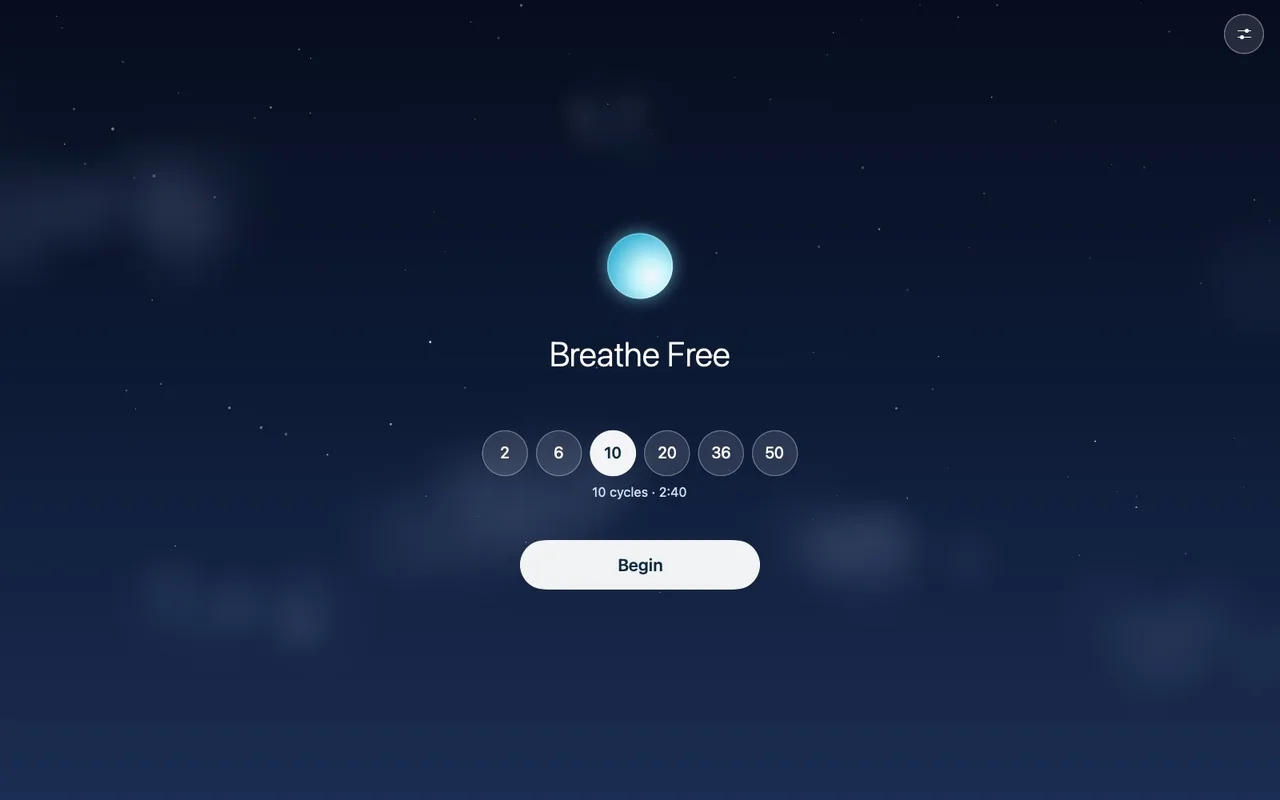
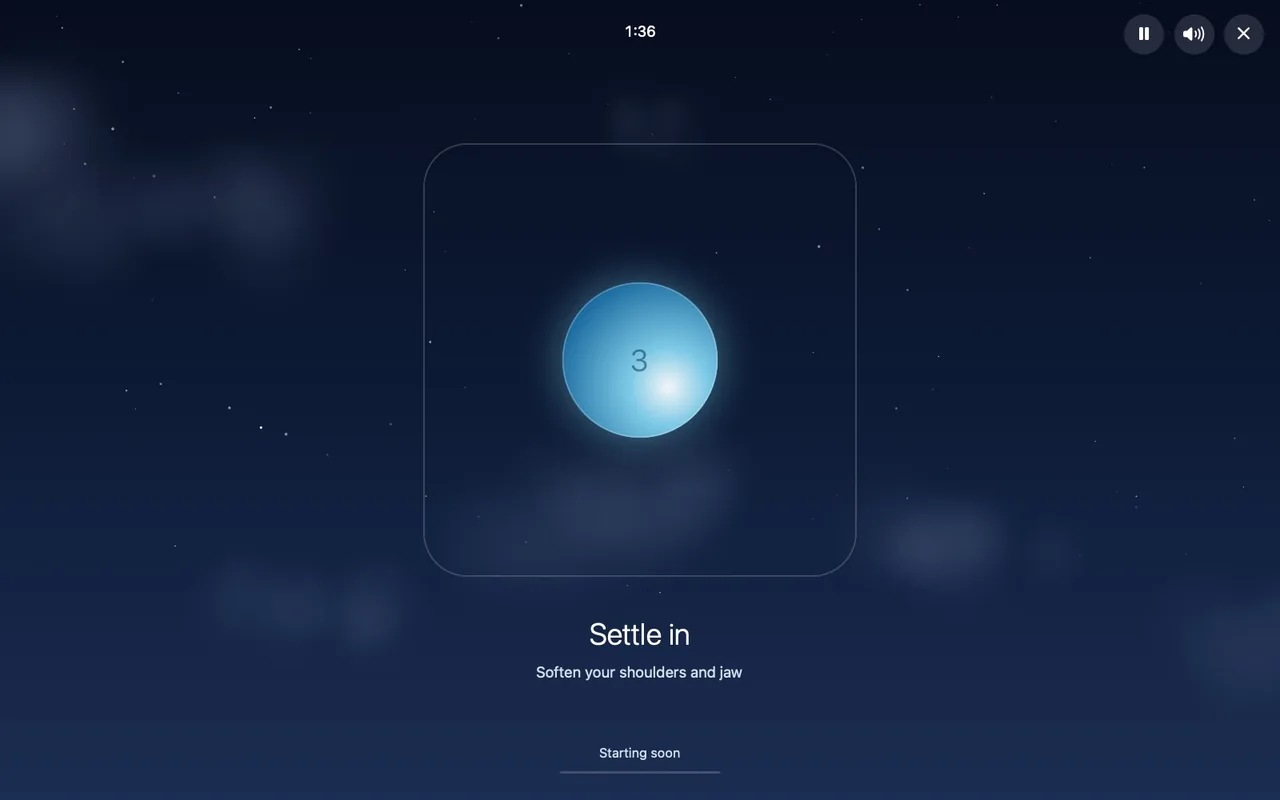
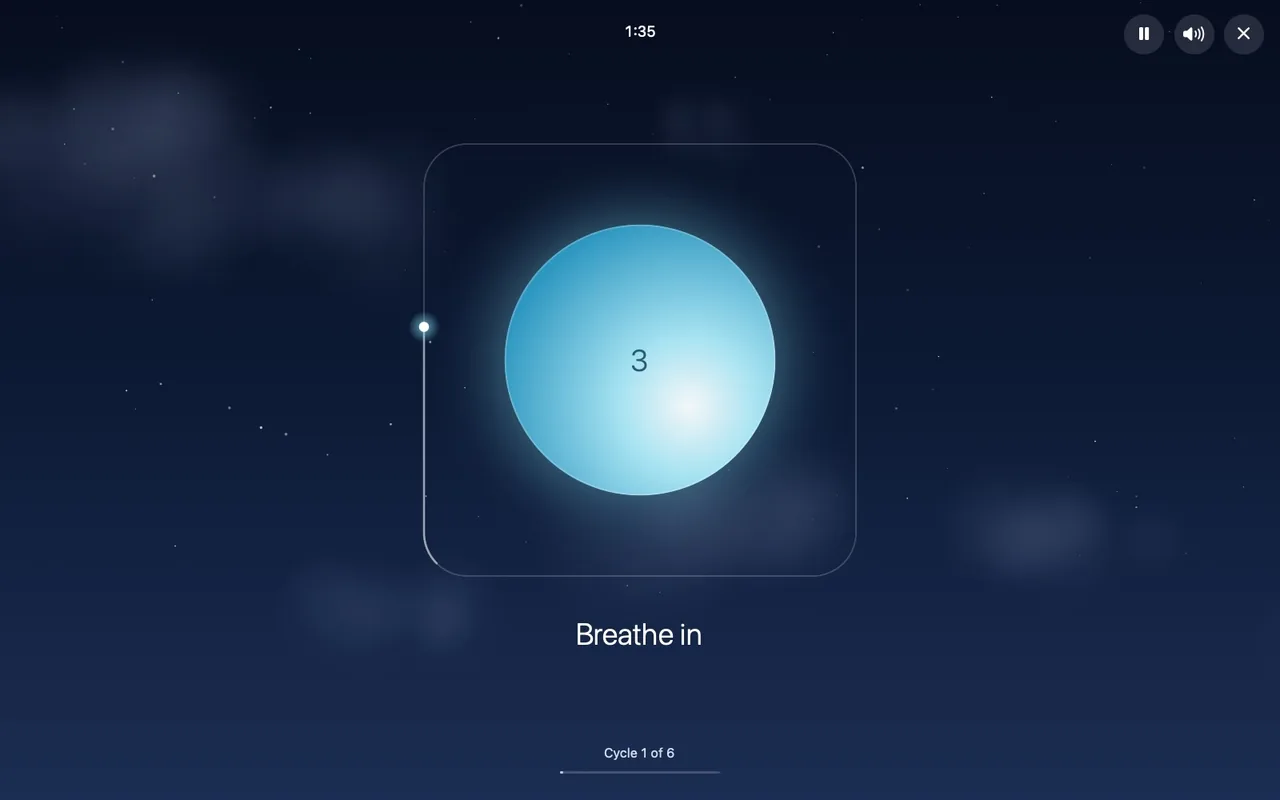
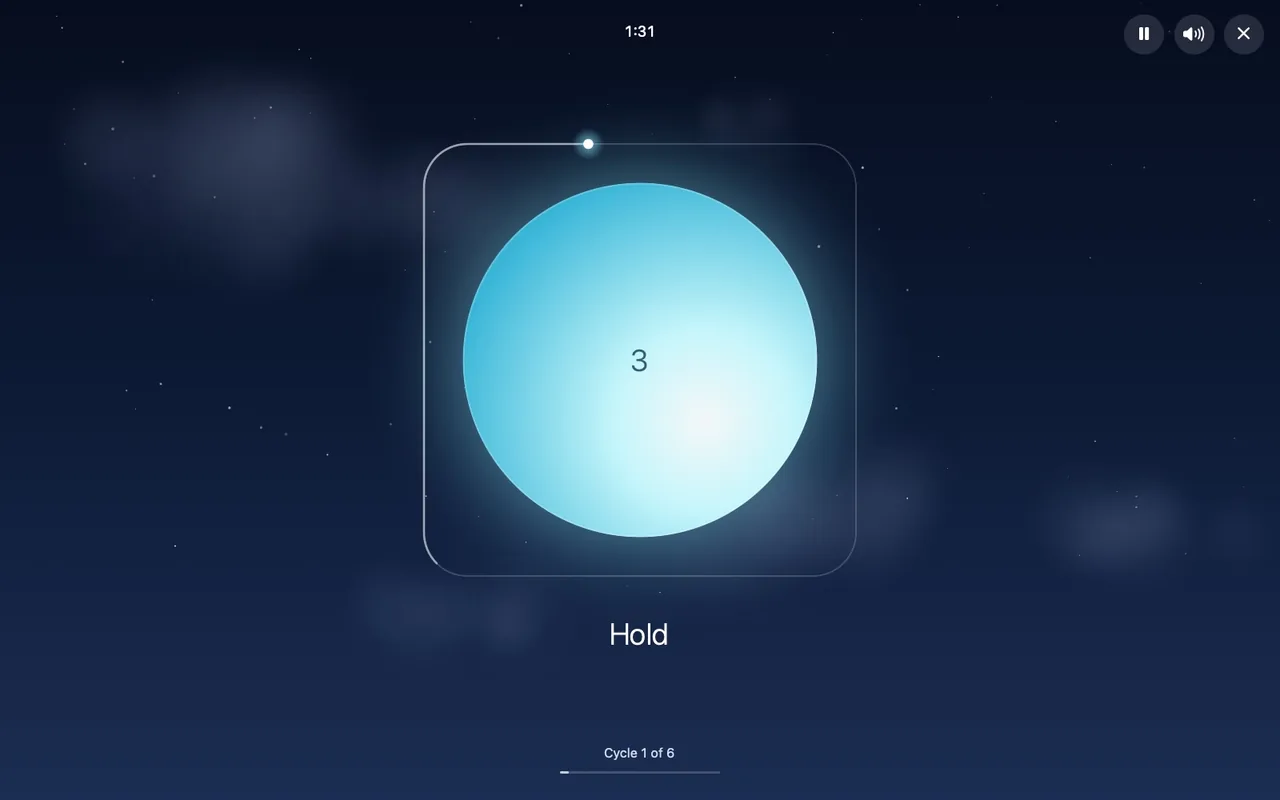
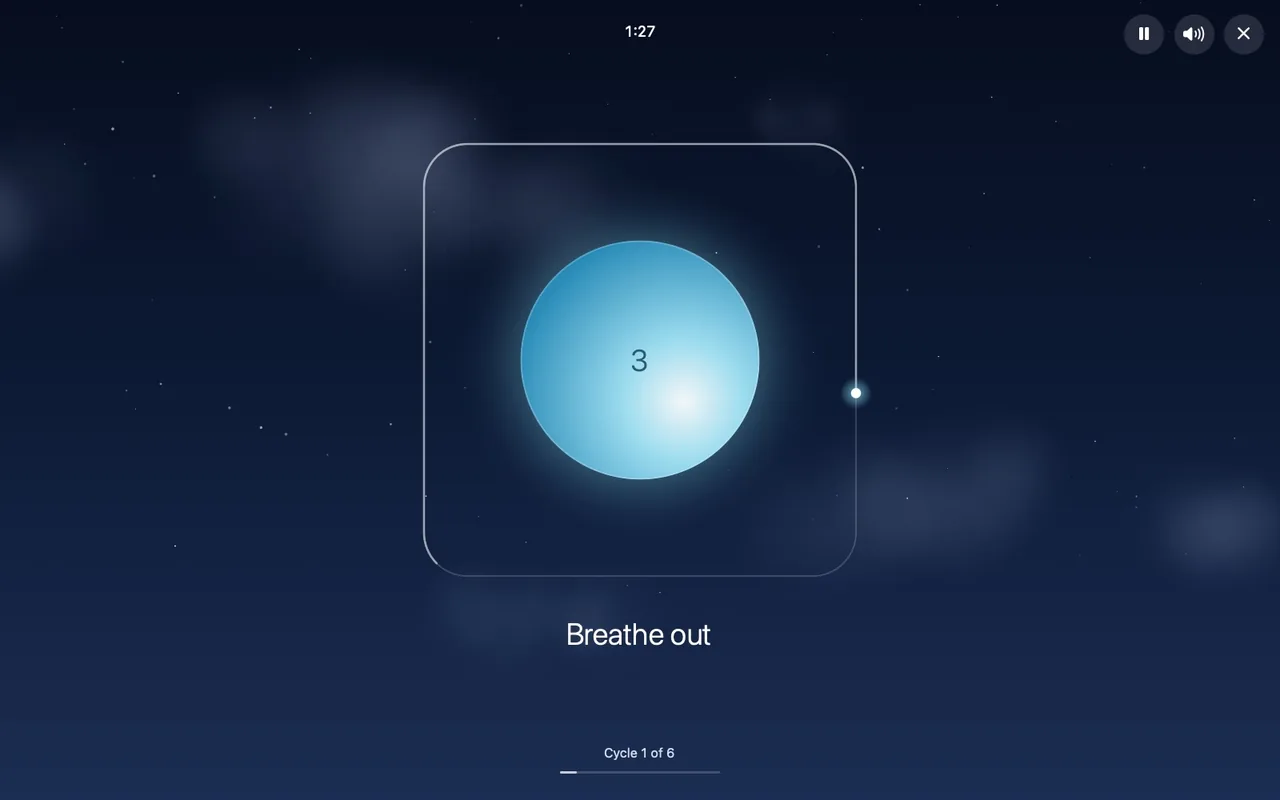
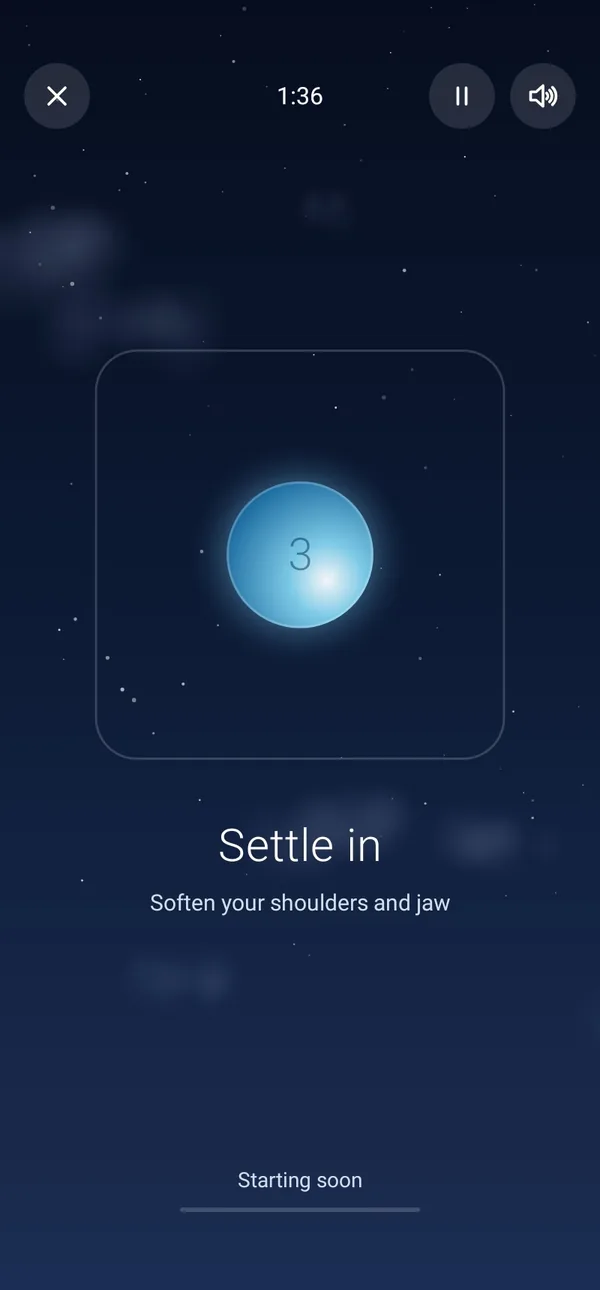
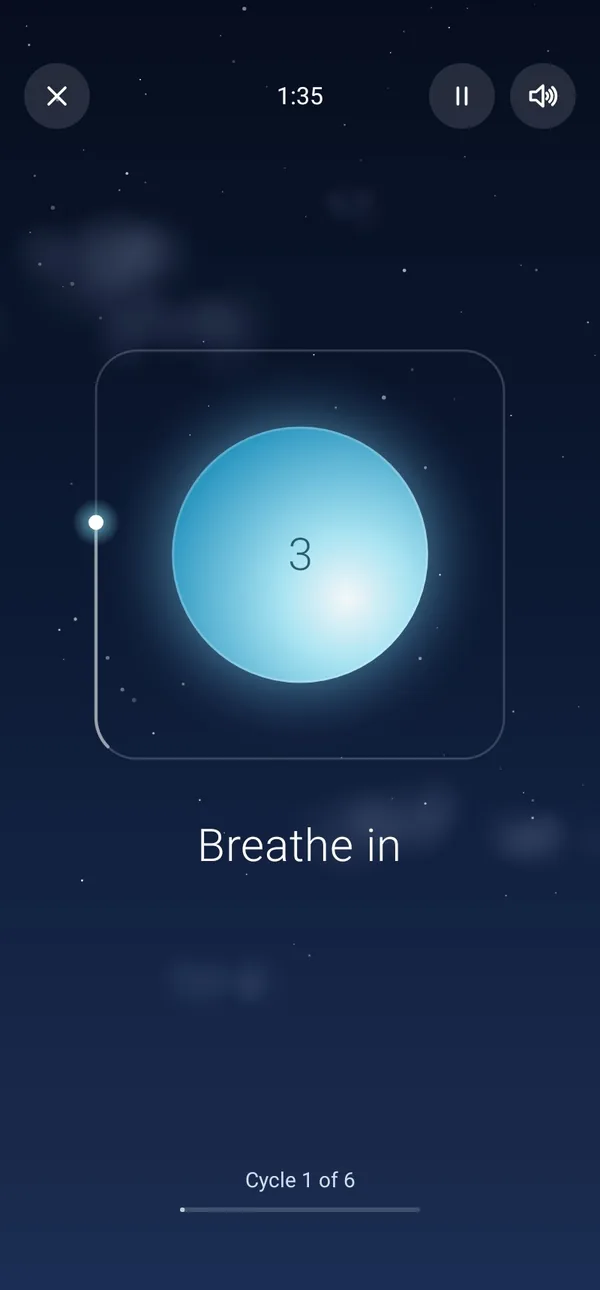
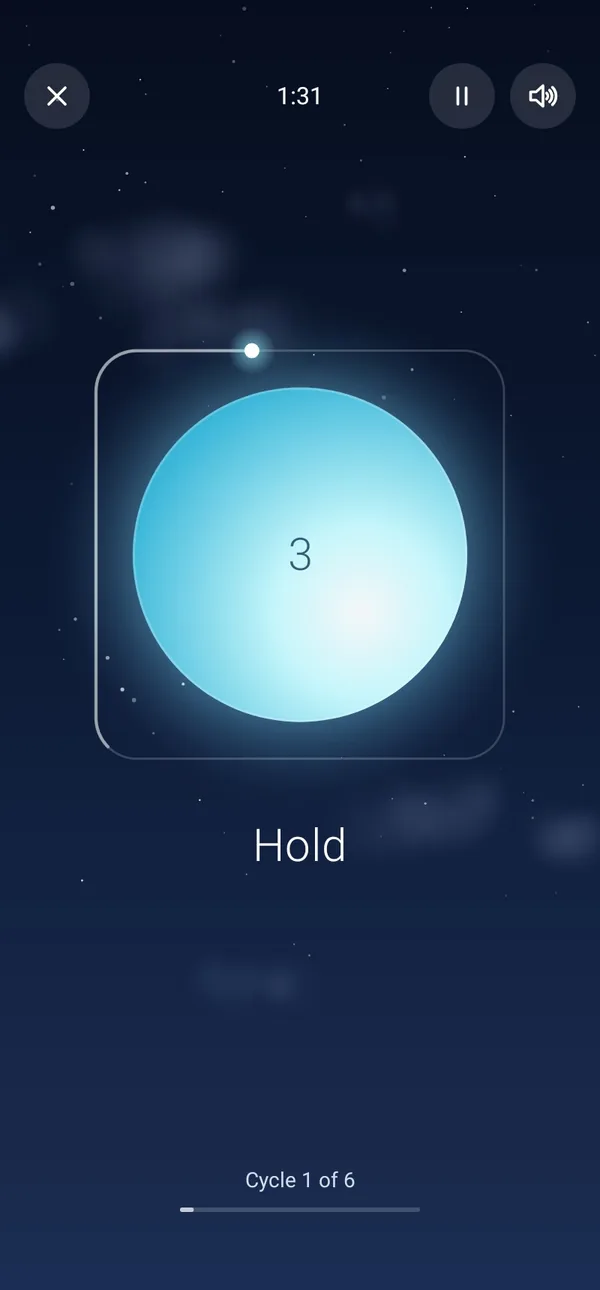
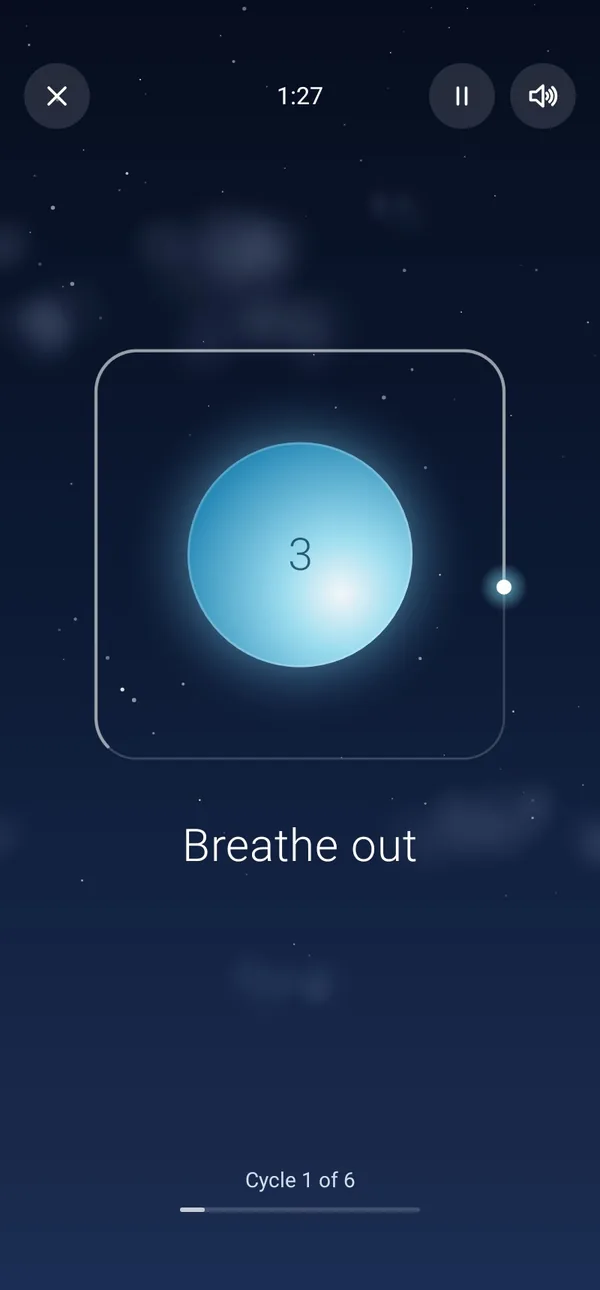
Box breathing with a glowing orb, a soft sound and a voice to guide you.A calm guide for box breathing: in for four, hold for four, out for four, hold for four. A glowing orb grows and shrinks with each breath, a soft sound follows along, and a voice can name each change, so you can close your eyes and still keep time.

New

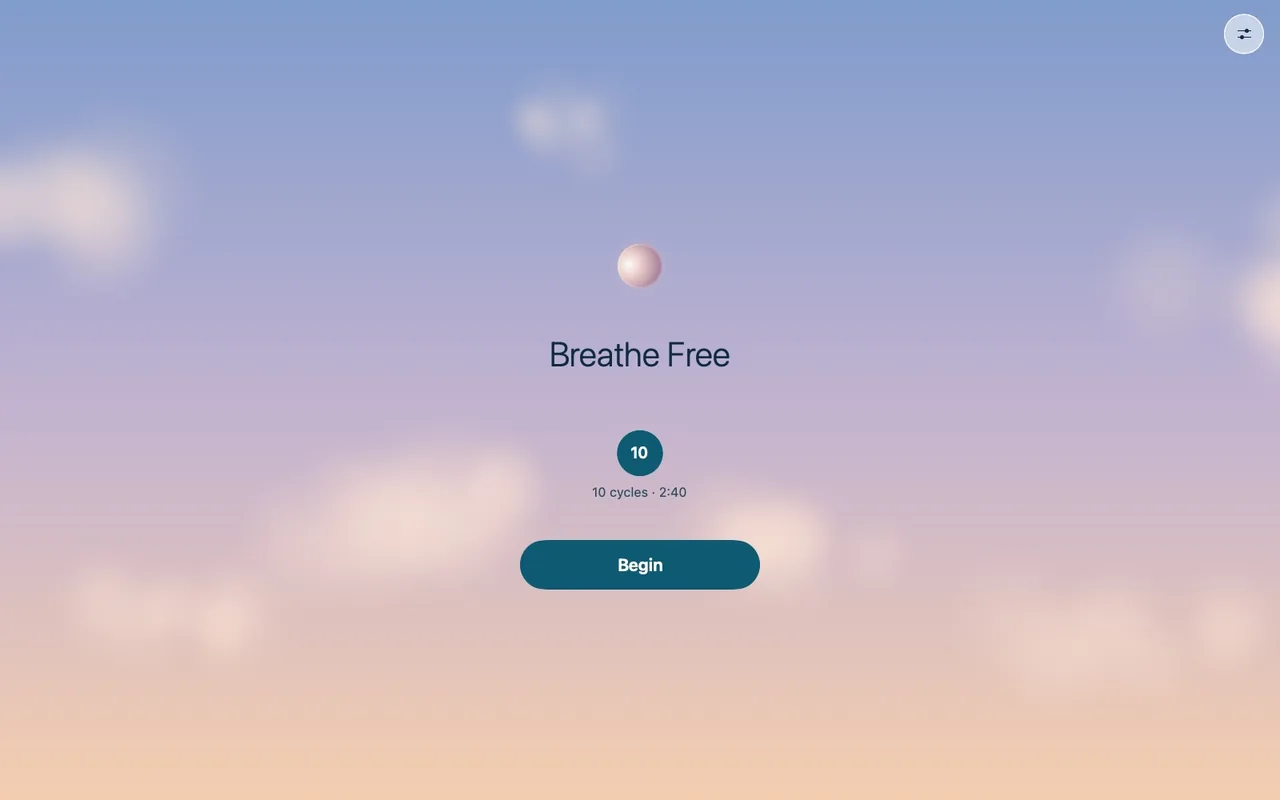
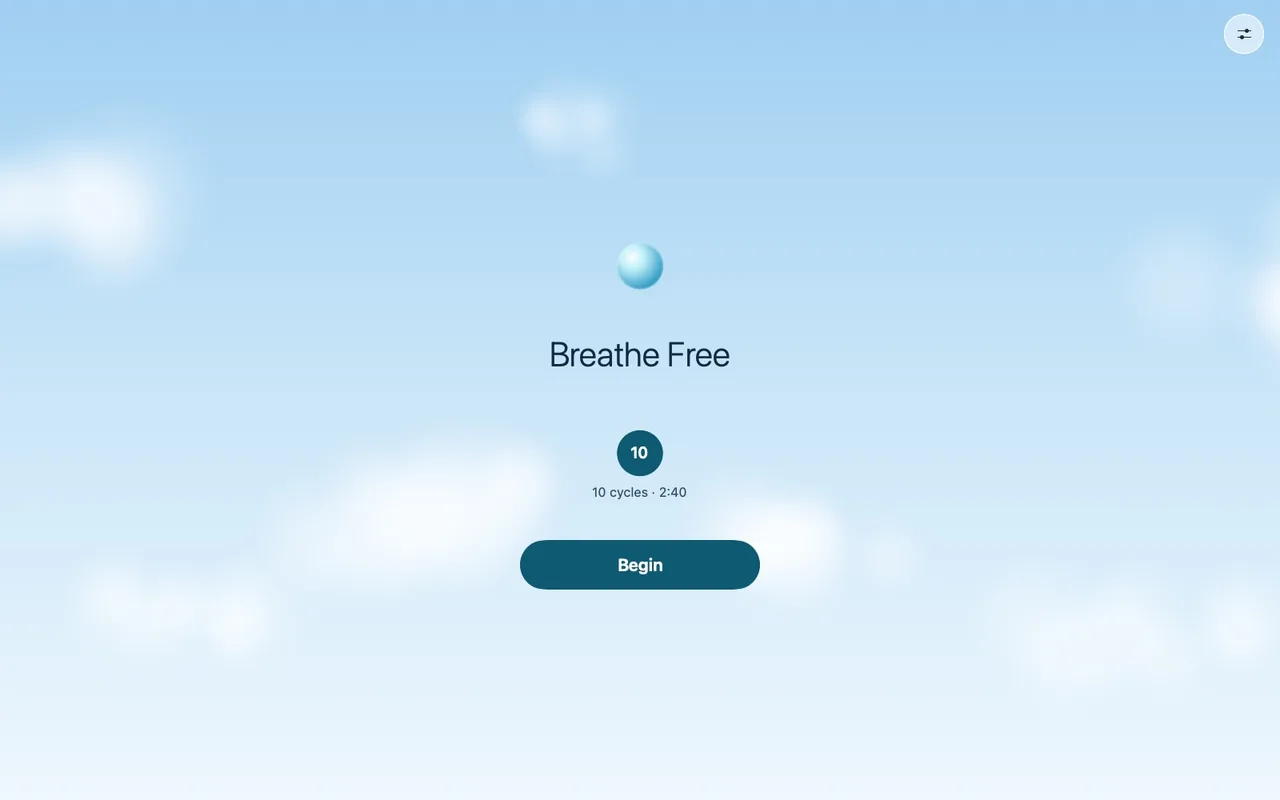
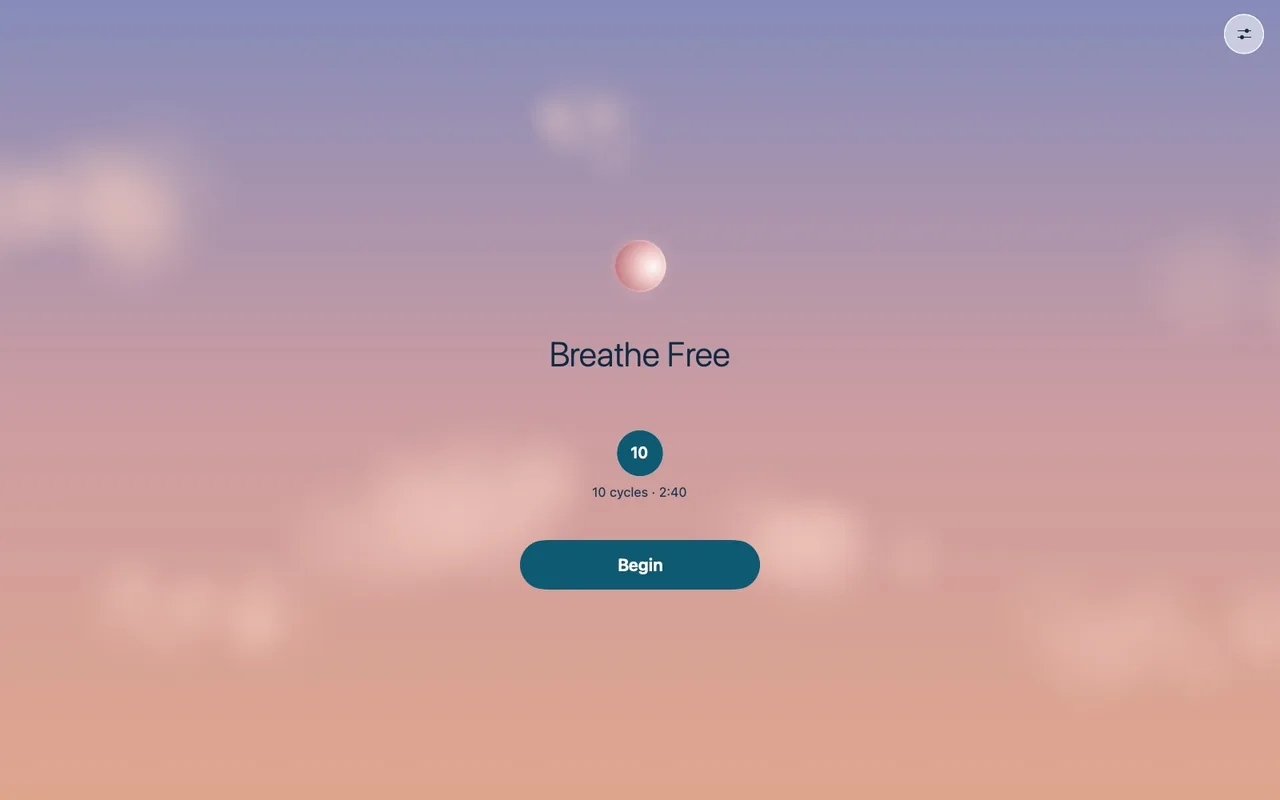
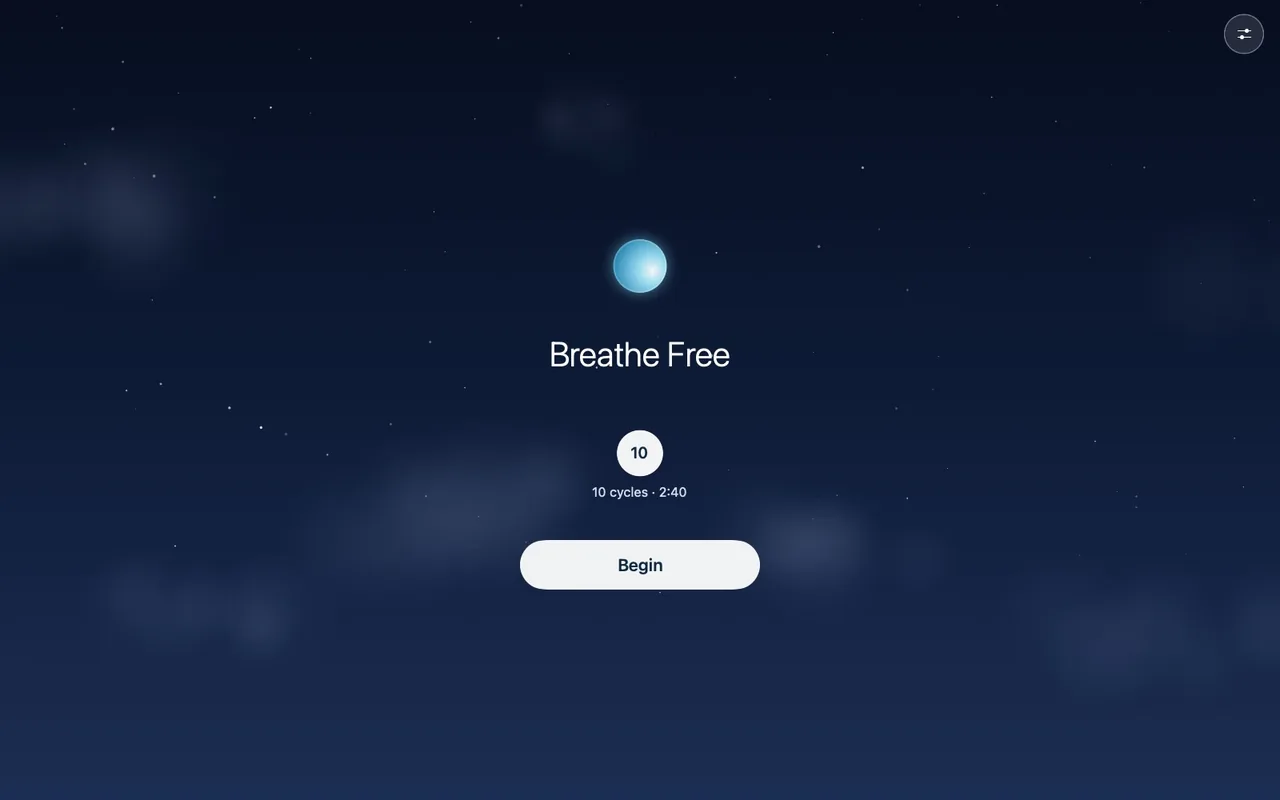
A day in ten seconds

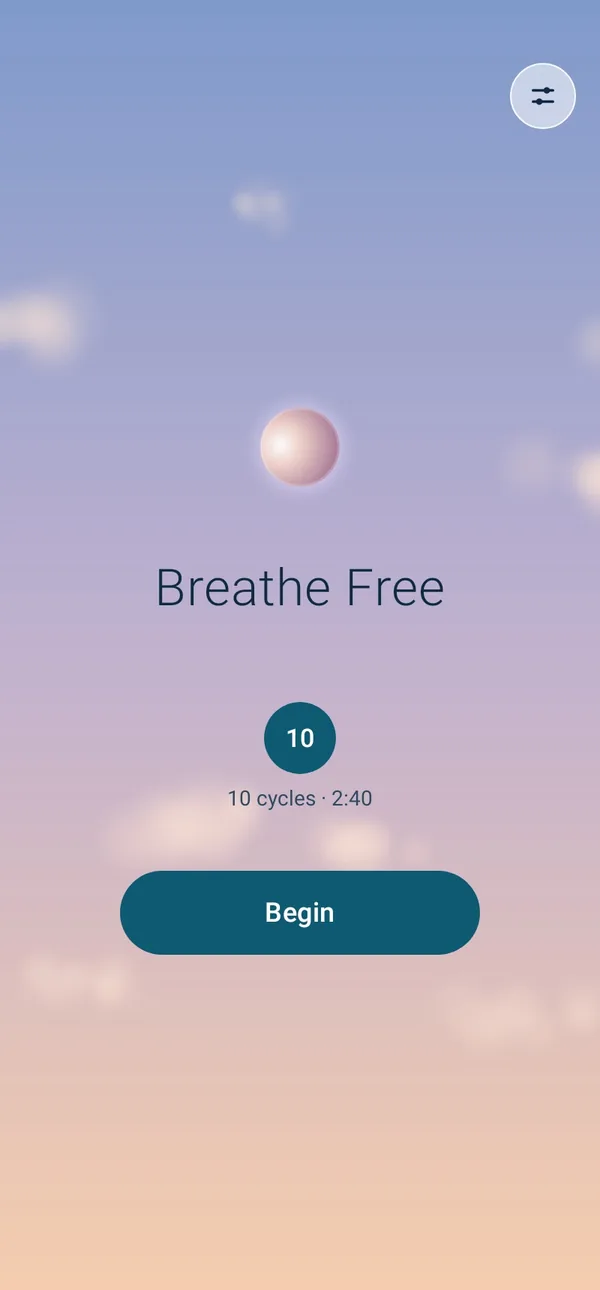
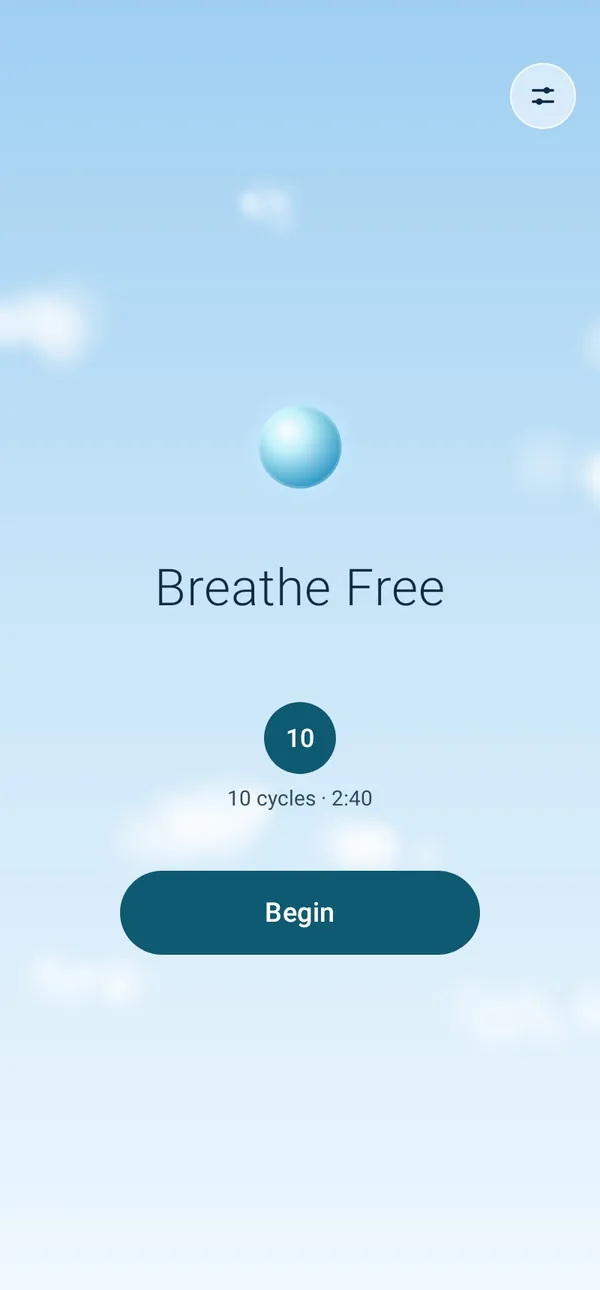
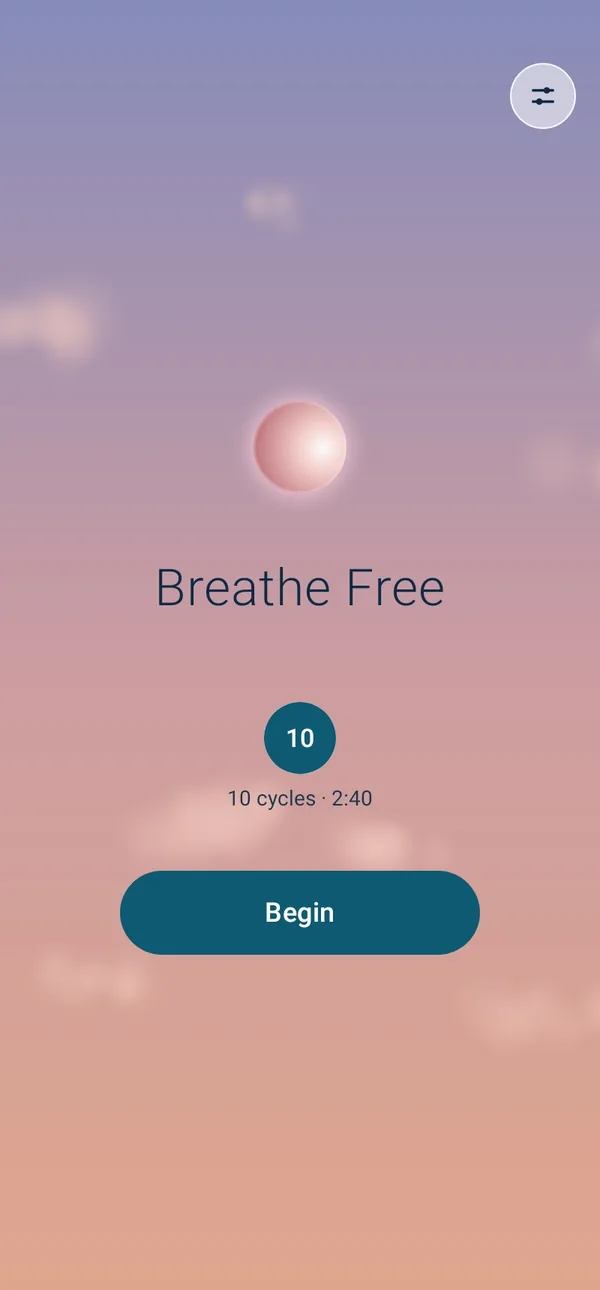
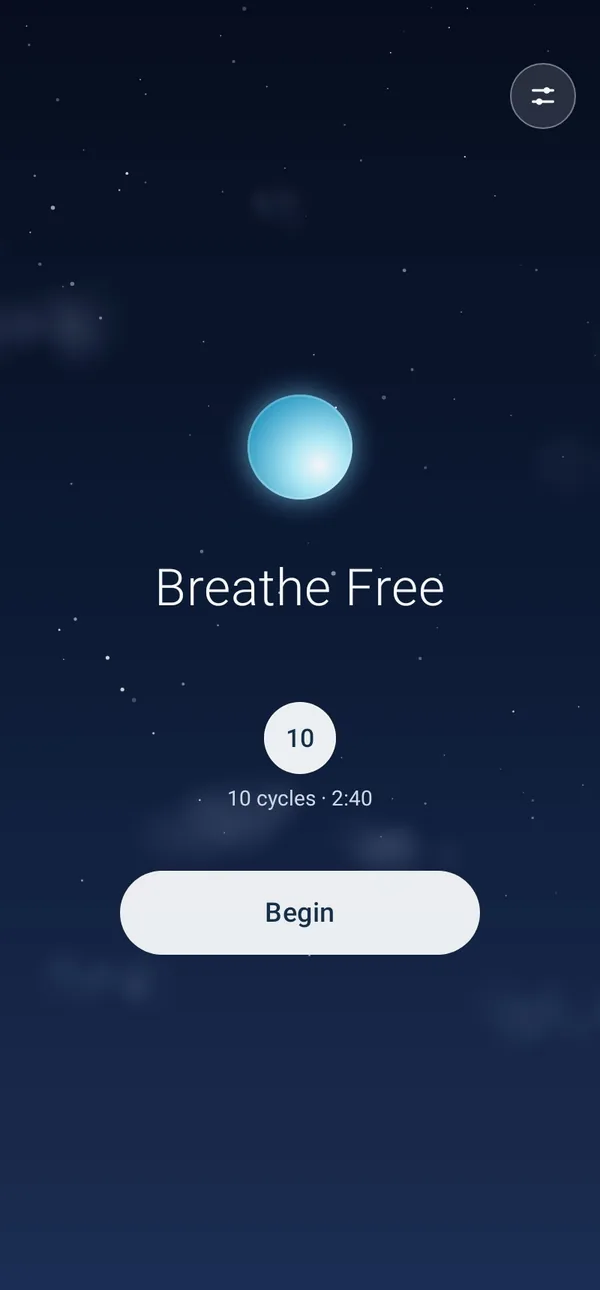
The sky follows the time of day, and now the light on the orb moves with the sun: from the left at sunrise, from above at midday, from the right at sunset and from below at night.

On your Mac

A quiet window to breathe in

Download for MacMac · 2.6 · 1.4 MB

Coming soon to the Mac App Store

For macOS 13 or later. Until it's in the Mac App Store it isn't approved by Apple, so your Mac asks you to confirm it the first time it opens.

How to install it →

On your phone

A pocket-sized pause

Download APKAndroid · 2.6 · 1.0 MB

Coming soon to Google Play

For Android 8 or later. Until it's on Google Play, your phone asks you to allow it the first time you install it.

How to install it →

Coming soon to the Mac App Store and Google Play

Installing before the stores

Until the apps are in the stores, your Mac or phone asks once whether you trust them. Four steps, one time; after that they open like any other app.

On a Mac

  1. Move it to ApplicationsOpen the zip and drag BreatheFree into your Applications folder.
  2. Open it onceYour Mac says Apple couldn’t check it. Click Done (or OK), not Move to Trash.
  3. Allow itIn System Settings → Privacy & Security, click Open Anyway next to BreatheFree, enter your password, then click Open. The button stays for about an hour.
  4. BreatheReturn begins, Space pauses and Escape twice stops. Command-comma opens the sound and Voice guidance.
If it won’t open
  • On macOS 13 or 14, right-click BreatheFree in Applications, choose Open, then Open again.
  • If it says the app is damaged, it’s the same check. In Terminal, run xattr -dr com.apple.quarantine /Applications/BreatheFree.app, then open it again.

On Android

  1. Download it on the phoneTap Download APK. If Chrome warns about the file, tap Download anyway.
  2. Allow this sourceOpen the download. When asked, tap Settings, turn on Allow from this source, then go back.
  3. InstallTap Install. If Google Play Protect asks, tap More details → Install anyway.
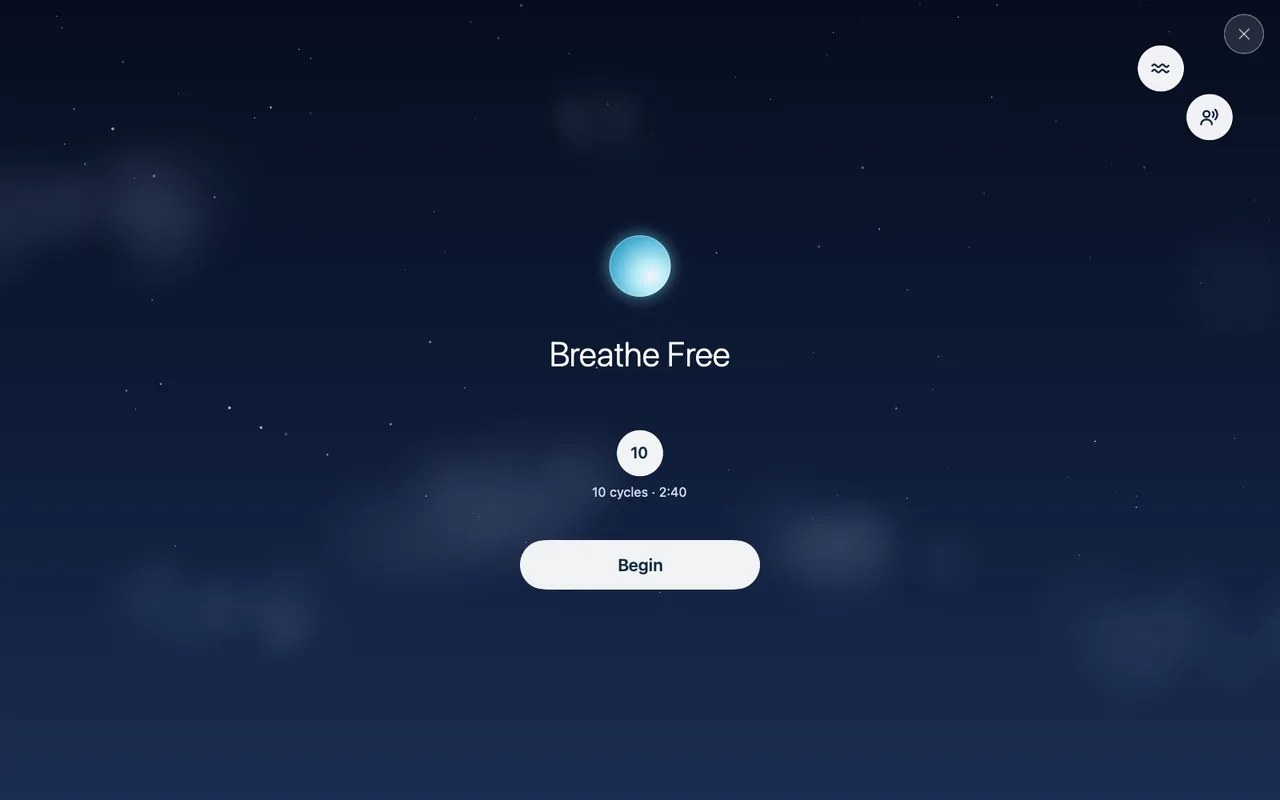
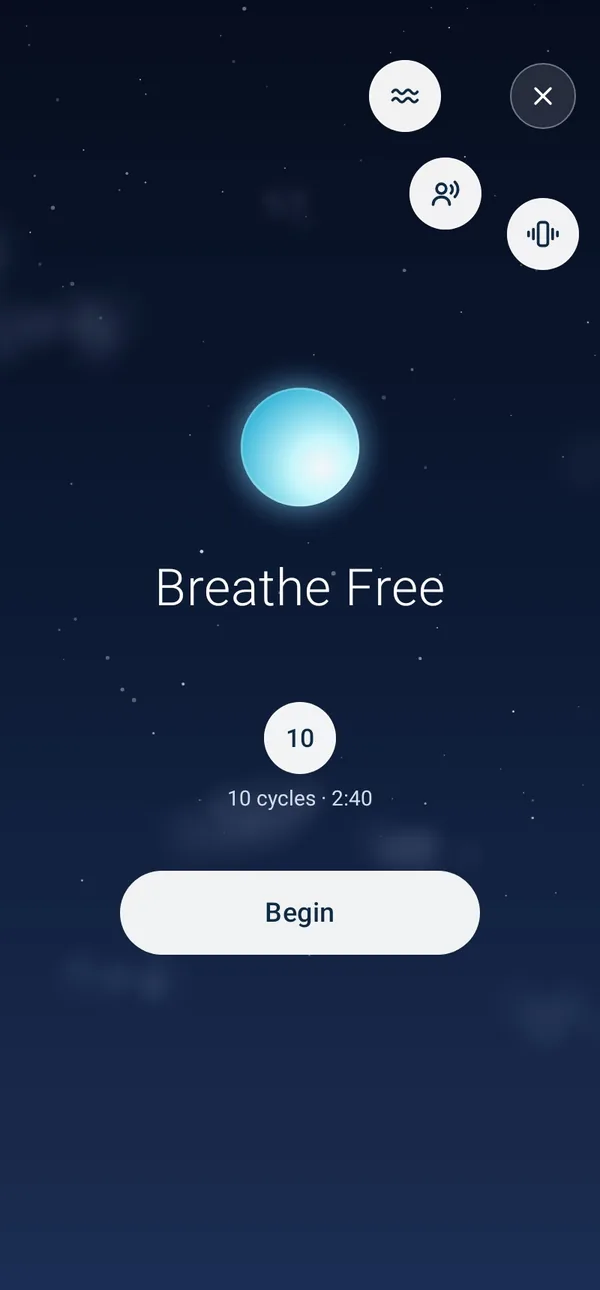
  4. BreatheTap Begin. The button at the top right holds the sound, Voice guidance and vibration; in a session, the speaker sets how loud it is.
If it won’t install
  • In Brazil, Indonesia, Singapore or Thailand (everywhere from 2027), Android also checks who made an app. Turn on Developer options (Settings → About phone → tap Build number seven times), then turn on Allow apps from unverified developers. Android asks you to confirm and restart, and waits a day before it takes effect; then open the download again and tap Install anyway.
  • If Breathe Free 2.0 or earlier is on the phone, uninstall it first (Settings → Apps → Breathe Free shows the version). Those used a temporary key; from 2.0.1 on, updates install over the top.
  • Names of settings can differ a little by phone maker.

No download

Or breathe right here

The same session in your browser, Voice guidance and all: the orb, the 4-4-4-4 count and the app’s sound, made as it plays, under the sky where you are.

Open in your browser

What’s new in 2.6

Earlier versions

2.5

  • Voice guidance. Turn it on before you begin and a recorded voice says “Breathe in”, “Hold” and “Breathe out” as each change comes, in time with the bell, so you can keep time with your eyes closed. The browser version has it too.
  • A volume for the voice. With Voice guidance on, the speaker in a session opens two sliders, one for the tone and one for the voice, so the voice can be louder or softer than the sound around it. The apps keep both for next time.
  • A simpler Mac home screen. It keeps just the choices: how long, the sound, and Voice guidance on or off. How loud is set in the session, from the speaker, and the button beside it that changed the sound is gone, as on Android and in the browser.

2.4.2

  • A volume slider on Android. In a session, the speaker at the top right now sets how loud it is: tap it and a slider opens beneath it, as on a Mac, and the level is kept for next time. It used to switch between ambient, bells only and silent, which you now choose before you begin.
  • Buttons that hold still. Switching the sound on Android showed its name under the speaker for a moment, which pushed the ✕ and the clock down and the other buttons up. The slider floats over the sky instead, so nothing moves.

2.4.1

  • The clouds keep drifting, right up to the orb. The orb’s glow used to lay a haze over the clouds near it on every breath in, so at the end of each cycle they came back clear, as if the sky had started over. The glow is now light added to the sky, and the clouds stay as clear on a full breath as on an empty one.
  • The orb takes the sky’s colours. It used to be cyan all day, even on a purple dusk. Now it’s lavender at first light, peach at sunrise, gold in the golden hour, coral at sunset, violet at dusk and cyan at night, changing as gently as the sky does. The browser version does the same.

2.4

  • The light follows the sun. The orb is lit from where the sun is where you are: from the left in the morning, from above at midday, from the right at sunset and from below at night.
  • End session asks first. It’s a small ✕ until you tap it; then it opens into End session, and only a tap on that ends it, so a stray tap can’t cut a session short. Left alone, it closes again. On a Mac, press Escape twice.
  • The rings stay in the box. The ring at each change now stops where it meets the box, fading as it arrives, instead of spreading past it.

2.3

  • Pause when someone walks in. A pause button at the top right holds the session where it is: the count waits and the sound fades out. Press it again (or Space on a Mac) to carry on from the same moment.
  • Clearer buttons. The ✕ in the corner is now a button marked End session, so it’s plain that it stops the session rather than closing a panel. On a Mac, the volume button is now a speaker that shows how loud it is.
  • The clouds drift on. The sky no longer brightens as you breathe in, and the orb’s glow stays close to it, so the clouds keep drifting through every breath instead of fading away and coming back each cycle.

2.2

  • Session length moves like water. Tap the circle and the other choices pull away from it like drops; pick one and they flow back together into a single circle.
  • The words hold steady. At each change the old words fade out as the new ones fade in, in the same spot and in time with the bell, with no jumping or flicker.
  • Every cycle sounds the same. The chord, its slow shimmer, the soft air and the bells repeat exactly from one cycle to the next, so the sound becomes a steady loop to settle into.

2.1

  • The sky follows the time of day. Dawn, daylight, golden hour, dusk and a starry night, timed to the season, with text that stays easy to read on each.
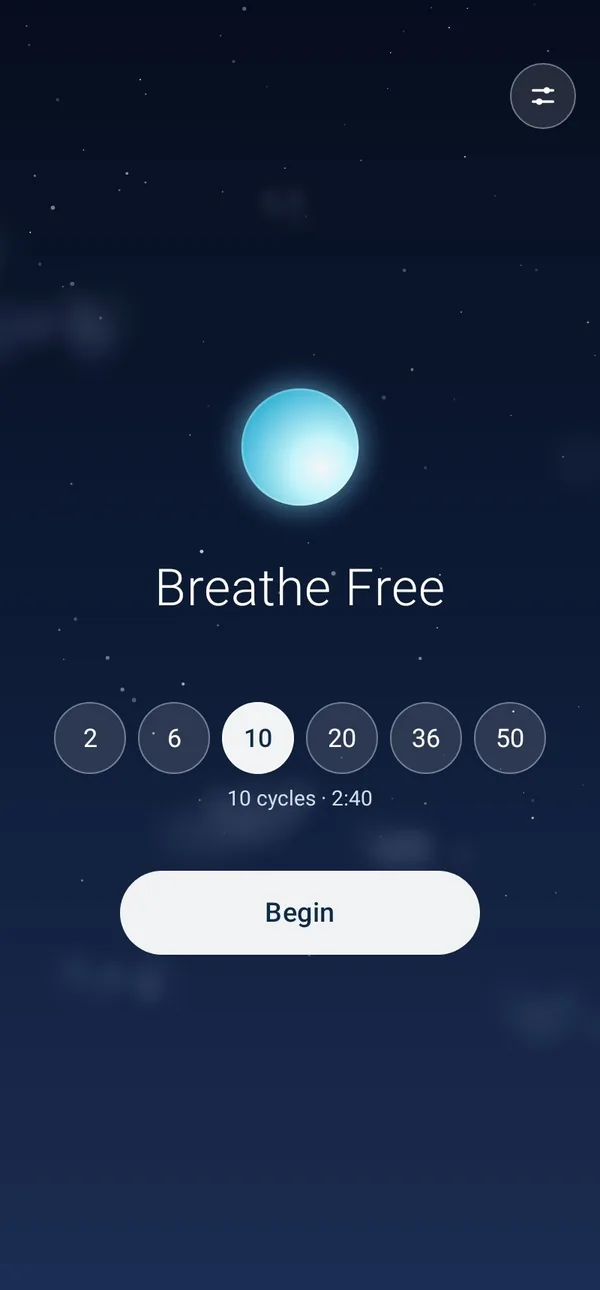
  • Session length is a single circle. Tap it and the other choices fan out on either side; tap one to pick it.
  • A quieter home screen, with less text.
  • On Android, this and later versions install over 2.0.1 without uninstalling.

2.0

  • A new sound. A low, warm drone that swells as you breathe in, soft moving air while the breath moves, and a bell on each change, made as it plays instead of a looped recording.
  • Picture and sound keep time together. Both follow one clock, and the sound allows for the delay of Bluetooth headphones, so the bell rings as the words change.
  • A new look. A glowing orb inside the box-breathing path, soft drifting clouds, and a ripple at each change.
  • Choose the sound: ambient, bells only, or silent. Android can also tap gently at each change.
  • The Android app is now native, under 1 MB, and no longer silent.