OP-1 Jam
Claude writes the notes. Your OP-1 plays them.
- Plug in your OP-1. The Mac app finds it over USB.
- Claude writes a loop. Bass, chords or drums, on whatever sound you pick.
- Play along, layer up. Claude answers what you play and writes around what’s on tape.
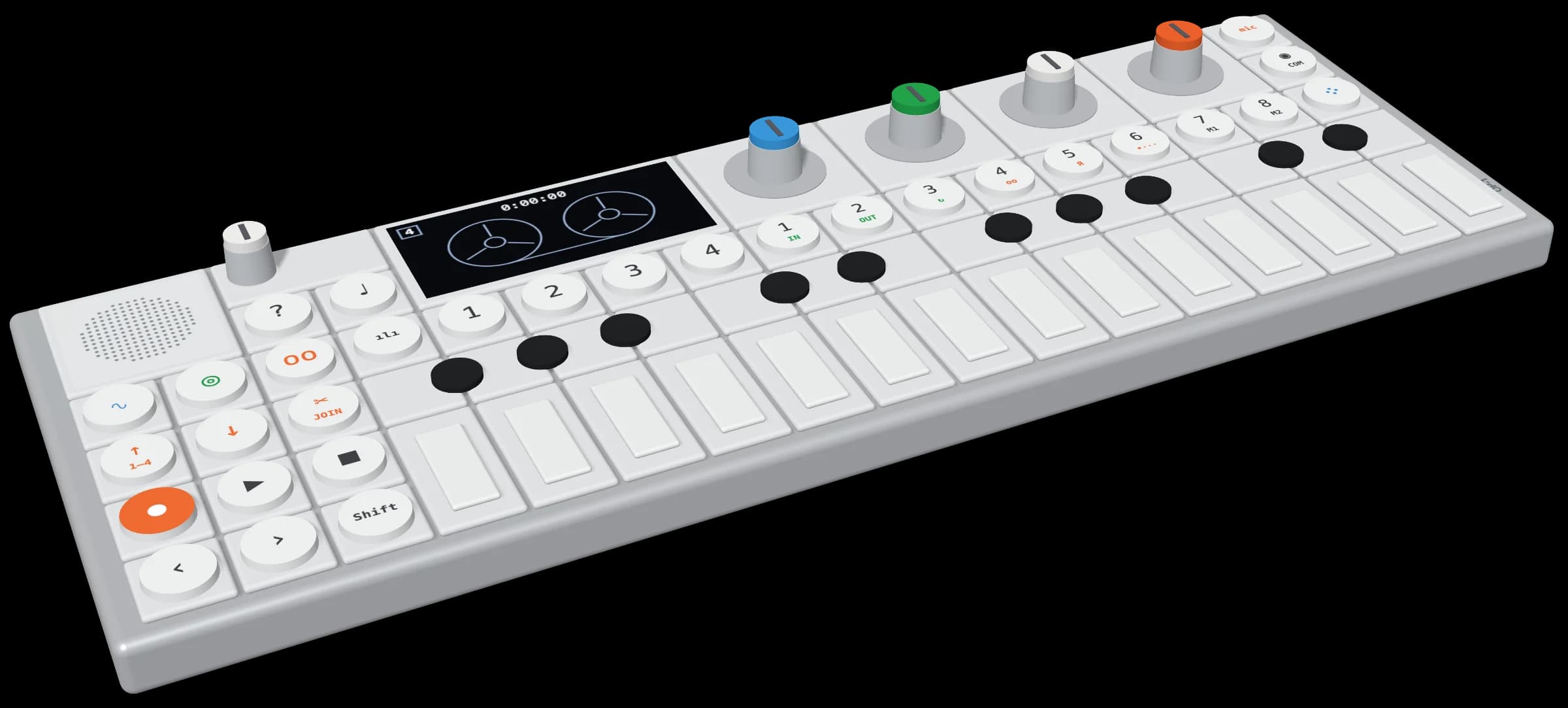
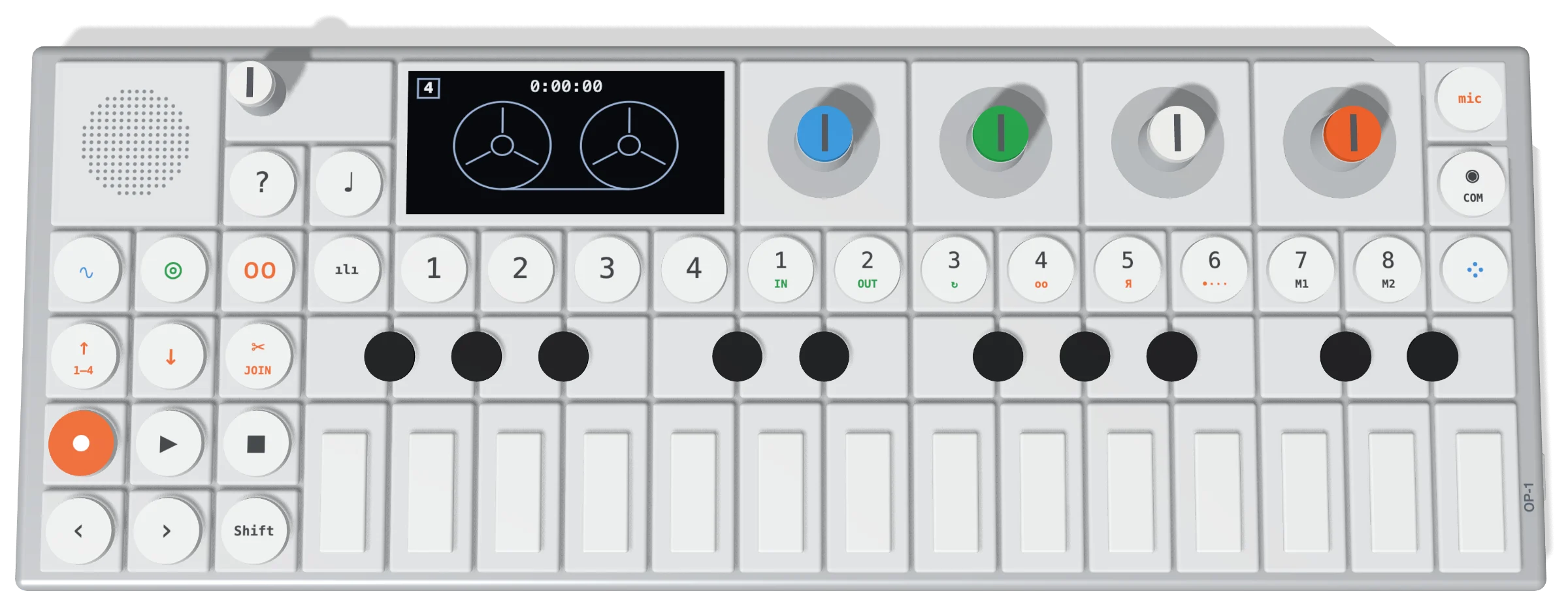
It shows you which keys to press.
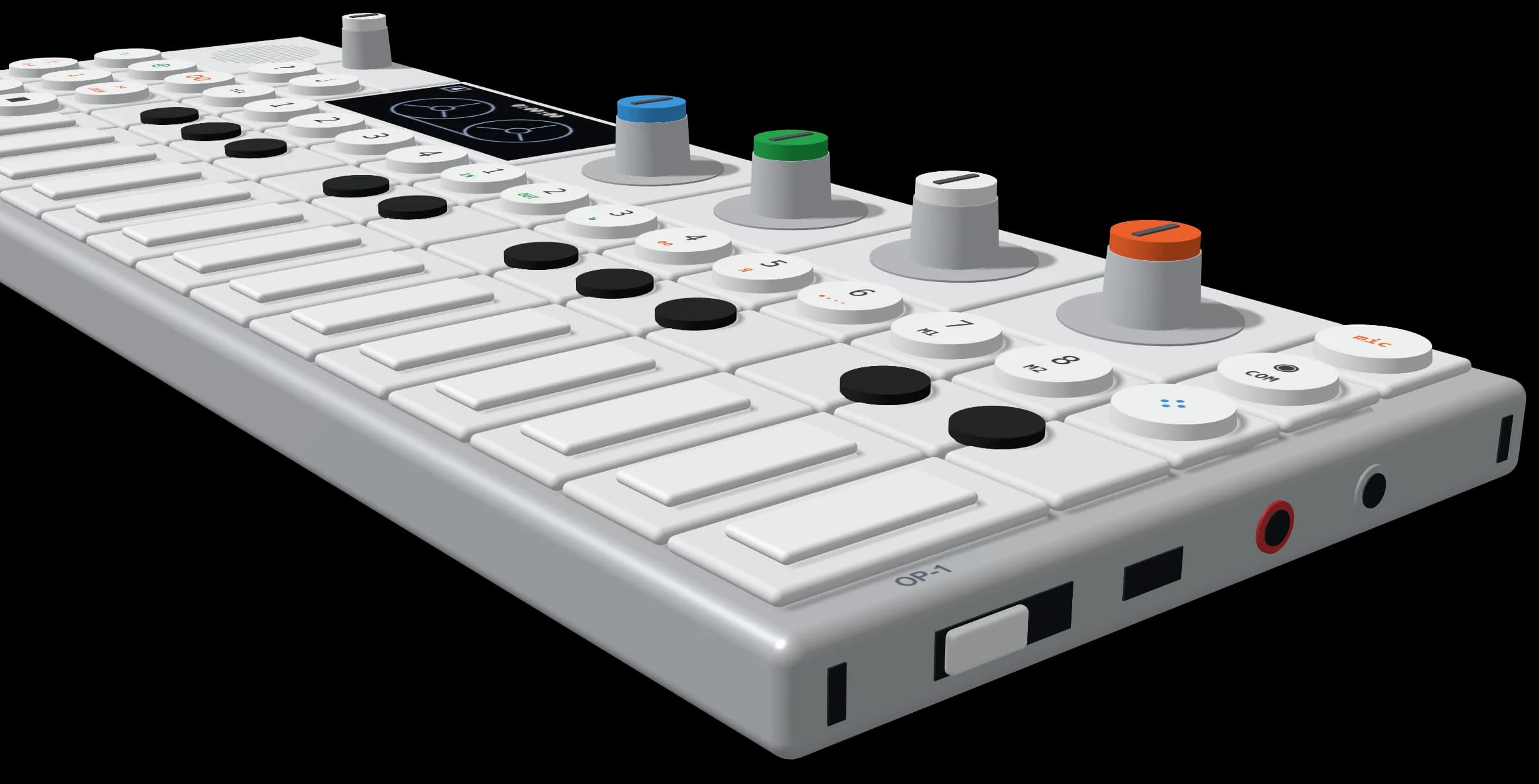
Getting started plays each step on a 3D OP-1: hold shift, press COM, press T1. For the cable, the power switch and your headphones it turns to the right-hand end. Drag it round to look.
Get it on GitHub →FREE · OPEN SOURCE · MACOS
OP-1 is a trademark of teenage engineering. Not affiliated with teenage engineering or Anthropic. The video is staged, and Claude’s replies are sped up. The OP-1 renders are our own model, not teenage engineering’s artwork. © 2026 One-Off Dev Inc. · MIT licensed.